- Computer Gripes
- ZoneAlarm Free Firewall on Windows 11:…
ZoneAlarm Free Firewall on Windows 11: Still Worth It?
ZoneAlarm today: what the free firewall still does, why it clashes with Memory Integrity, how to remove it cleanly and which alternatives protect you.
Fixes on this wall
ZoneAlarm was the free firewall half the internet installed in the early 2000s. It is still sold, the free version is still downloadable, and it still turns up on old PCs nobody has checked in years. So the usual question is whether ZoneAlarm earns a place on a modern PC or has become the thing causing the trouble.
This page collects the ZoneAlarm gripes, with related fix guides pinned above. Below: what the software is today, where it causes problems, how to remove it cleanly and what to use instead.
What is ZoneAlarm in 2026?
ZoneAlarm started at Zone Labs as one of the first personal firewalls for home computers. Check Point bought Zone Labs in 2004 and has owned the brand ever since. It sorts connections into the trusted zone (your home network, where you share files and printers) and the internet zone, and it decides which program may access the internet.
The current product line, as listed on the vendor’s web site:
- ZoneAlarm Free Firewall: two-way firewall for Windows 10 and 11, free for personal use
- ZoneAlarm Free Antivirus: the free tier with an antivirus scan added
- ZoneAlarm Pro Antivirus + Firewall: paid, unlocks most advanced features
- ZoneAlarm Extreme Security NextGen: the full paid security suite
- ZoneAlarm Anti-Ransomware: a separate paid tool
The main selling point is the same as in the XP days. When a program tries to go online for the first time, a pop-up asks the user to allow or block it, and the answer becomes a rule. The firewall built into the operating system does not do that out of the box.
The honest downsides
These are the problems users report today, roughly ordered by how much they hurt.
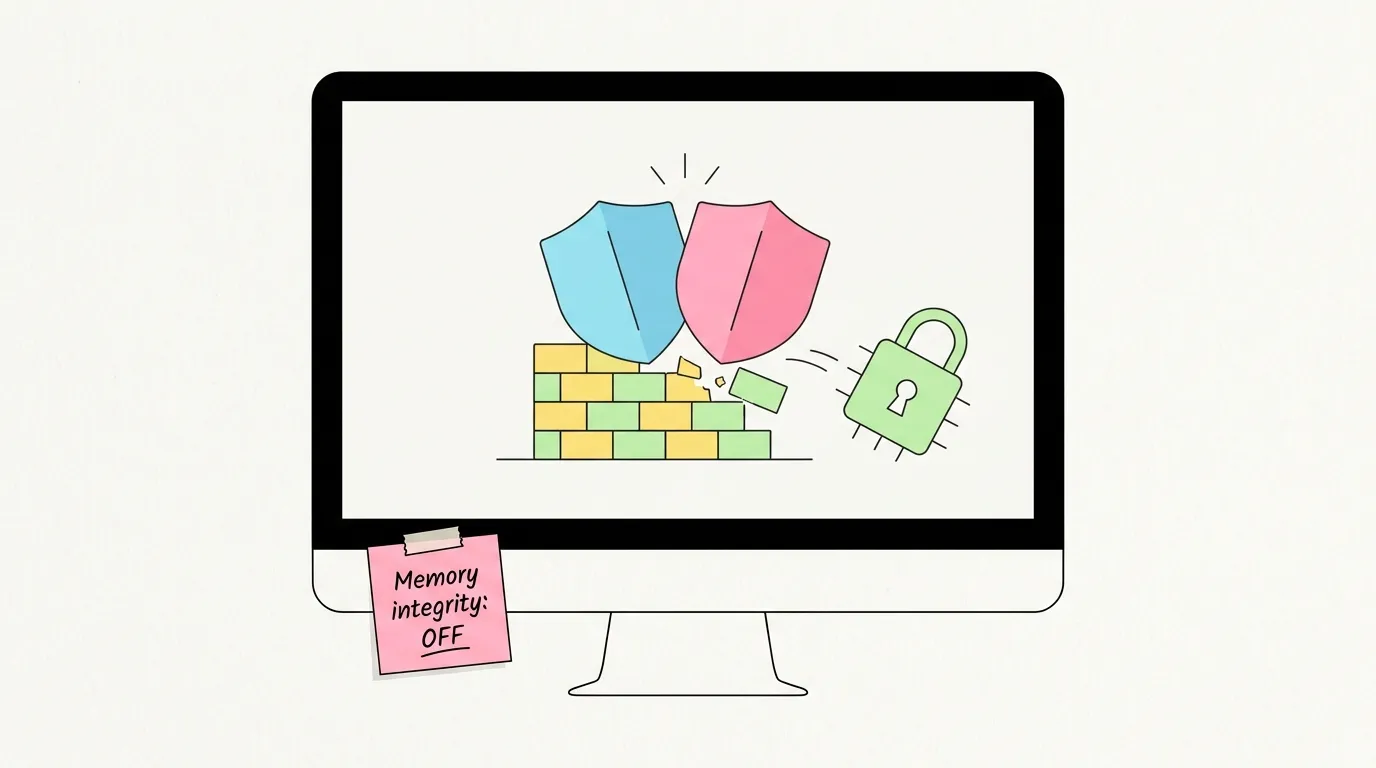
- Memory Integrity stays off. A ZoneAlarm support representative stated in the vendor’s own community forum that the core technology of the firewall is fundamentally incompatible with Memory Integrity (core isolation). On many new PCs that protection is on by default, so installing it on your computer means losing that protection.
- Defender only. The download page says that ZoneAlarm is compatible only with Microsoft Defender and asks you to remove other anti-malware first, or expect stability and performance problems.
- Old versions get no updates. Check Point ended support for non-compliant ZoneAlarm versions on September 29, 2024, citing US Department of Commerce regulations. Those installs keep running, but without security updates or virus definitions. Check whether an old family PC still runs one of these.
- Upsell pressure. Many advanced features sit behind the Pro version, and users report pop-ups urging them to update or upgrade.
- Resource use. Reviews and user ratings keep naming system load as a weak point, even more so on older hardware.
ZoneAlarm is a legitimate product from a large security vendor. However, its design clashes with protections the operating system now turns on by itself, and that is where most of today’s trouble comes from.
Do you need a third-party firewall on Windows 11?
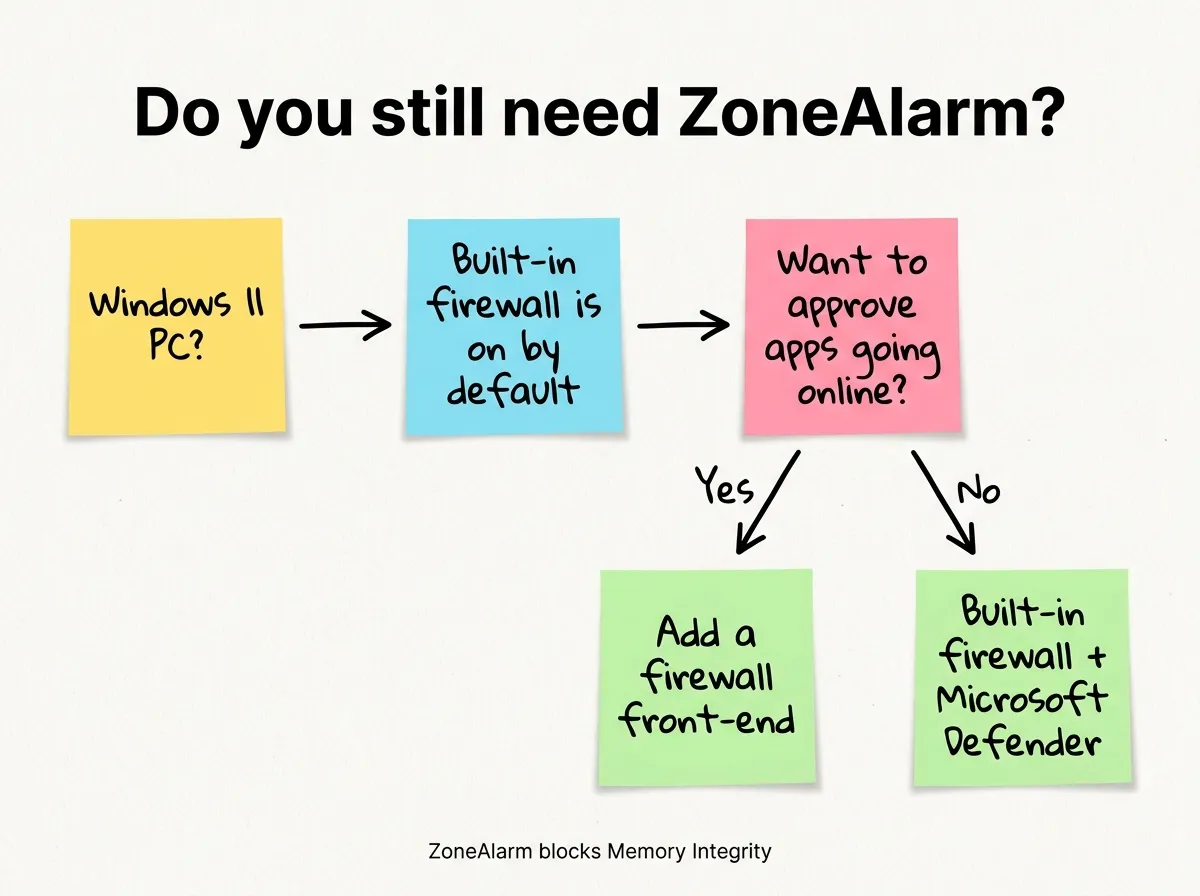
For most home users, no. Microsoft’s firewall is included with the system and enabled by default on every edition. Per Microsoft’s Windows Firewall overview, it blocks all incoming traffic unless it was solicited or matches a rule, and allows all outgoing traffic unless a rule says otherwise. It also uses a stricter public profile for the Wi-Fi in a coffee shop or hotel.
Your router’s NAT hides your computer from unsolicited connections as well, so firewall protection against inbound threats is covered. What’s left is outbound control: any installed program can go online without asking. If you want to approve that per application, there are lighter options than a full suite.
| ZoneAlarm Free Firewall | Built-in firewall | Front-end on the built-in firewall | |
|---|---|---|---|
| Cost | Free for personal use | Included | Free |
| Inbound protection | Yes | Yes, on by default | Uses the built-in engine |
| Asks before programs go online | Yes | No, unless you add rules | Yes |
| Memory Integrity | Incompatible (per vendor support) | Works | Works |
| Other antivirus allowed | Only Microsoft Defender | Any | Any |
| Upsell prompts | Yes | None | Varies |
Front-ends such as simplewall (get it from its official GitHub project) or Malwarebytes Windows Firewall Control add “allow this program?” prompts on top of Microsoft’s filtering engine instead of installing a second firewall, so core isolation keeps working. Pair that with Microsoft Defender; our comparison of free antivirus options explains why Defender is enough for most people.
Is ZoneAlarm causing your problem?
Security software that hooks deep into the system often shows up as some other fault. Check for a ZoneAlarm install when you see any of these:
- Core isolation shows “Memory integrity is off” and lists an incompatible driver.
- Browsers or apps can’t access the internet after an update, while other devices on the same network work. If only Firefox is affected, also work through our fix for Firefox not loading pages.
- Updates or new software fail to download while the firewall asks nothing or keeps asking. The Windows Update problems wall collects the other usual suspects.
- Slow boot or high CPU from the ZoneAlarm services on older computers.
- Other security tools misbehave because two products fight over the same files and connections.
A quick test that you can do in two minutes: turn off “Load ZoneAlarm at startup” in its preferences, reboot and see whether the problem disappears.
How do you uninstall ZoneAlarm cleanly?
ZoneAlarm’s support pages describe this order for version 10 and later. Do not run the uninstaller in Safe Mode, because registry changes may fail there.
- Open ZoneAlarm, go to Preferences and clear Load ZoneAlarm at startup. Close the program and restart the PC.
- Open Start, type
uninstalland choose Add or remove programs. - Find ZoneAlarm in the list (usually near the bottom), click the Uninstall button and complete the security check it asks for.
- Restart when prompted. The uninstall is not finished until the reboot.
- Open Windows Security and check that the firewall is on for all network profiles and Microsoft Defender is active again, then run a quick scan.
- Under Device security > Core isolation, turn Memory integrity on and restart once more.
If an old suite from another vendor also lingers, remove it the same way before you trust the result. Our guide to removing McAfee completely covers leftover cleanup that applies to most security products.
Is ZoneAlarm safe, and who should still use it?
ZoneAlarm is genuine software from a known vendor, so in that sense it is safe. Download it only from the official web site and read every setup screen, since installers have offered extra software in the past.
It makes the most sense for a narrow group: users who want per-program outbound prompts in one package, use Microsoft Defender anyway and accept losing Memory Integrity. Everyone else can protect their computer with fewer side effects using the built-in firewall, Defender and, if wanted, a lightweight front-end.
Looking back: the old ZoneAlarm gripes
In the XP years, ZoneAlarm was the default answer to “which free firewall should I install?”, and that popularity made its rough edges very visible. Upgrades between major versions could wipe out carefully built program lists and trusted-zone ranges. Some releases blocked all internet access without showing any alert, or left an alert window frozen on screen. Debug logs grew quietly for months, and free users had nowhere to report bugs.
The details have changed since then, but the friction with the operating system is familiar: today it is Memory Integrity and the Defender-only rule instead of lost rule lists.